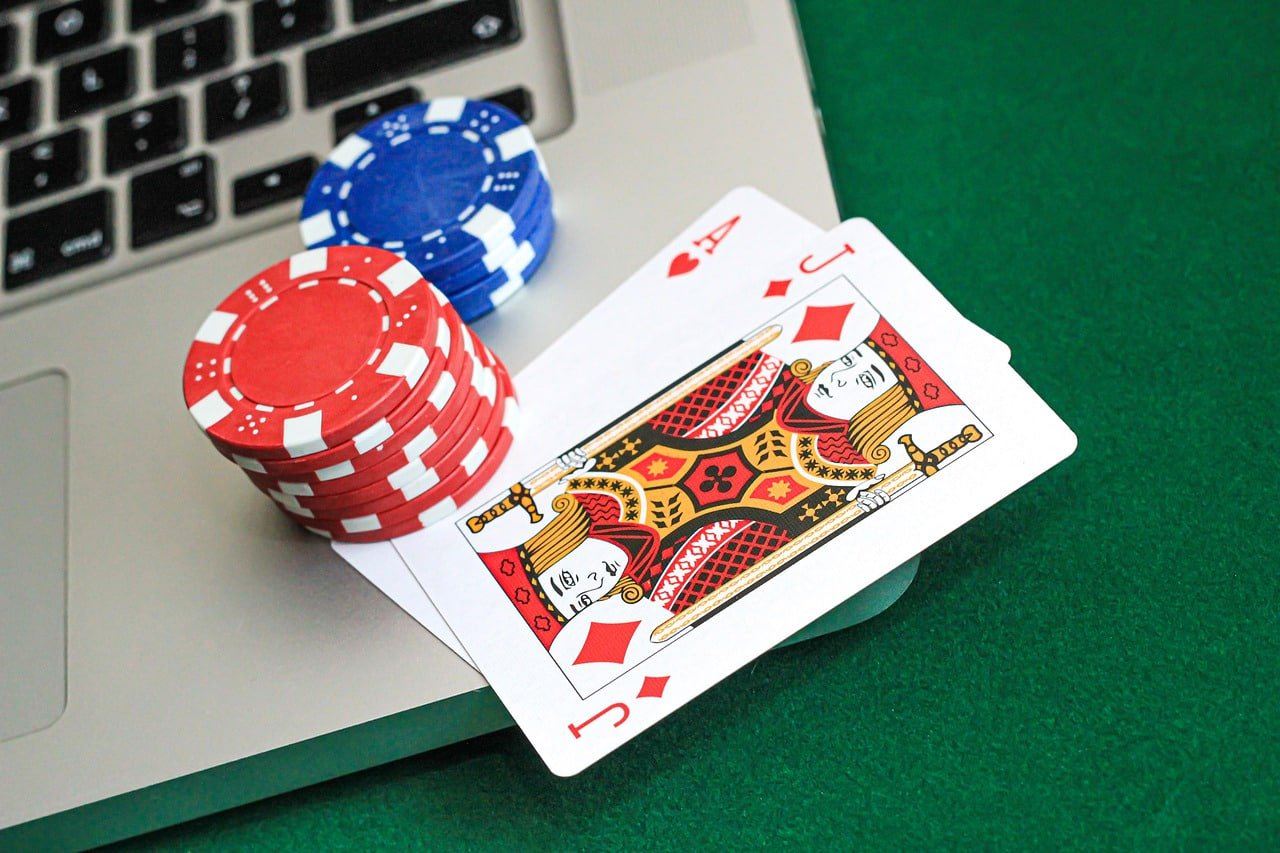
Play with a single app without opening a browser — notifications, quick login, and fast loading all included. Whether you are in Yangon, Mandalay, or Naypyidaw, a smooth gaming experience is available over 4G mobile internet.
Download the Android APK — enable Unknown Sources in your phone's Settings before installing

Faster than the browser version with a better experience on smartphones
Optimized to start playing within 3 seconds of opening the app
New bonuses, match results, and withdrawal status — get notified on time for everything via notifications
Log in instantly with your fingerprint or Face ID, no password required
All payments and account information are protected with 256-bit SSL encryption.
Dark Mode is included to reduce eye strain when playing at night.
The entire app is displayed in Myanmar Unicode, so Zawgyi font issues will not occur
Data compression is built in so you can play smoothly even in low-connectivity areas.
A notification is sent as soon as a new app version is available, so you can update immediately
The m52 game Android app is not available on the Google Play Store and must be installed by downloading the APK file directly. This is the standard method used by most online gaming platforms in Myanmar and requires only five steps to complete.
Go to Settings → Security (or Privacy) → Install Unknown Apps and turn it On. On Samsung phones, the path is Settings → Biometrics and Security → Install Unknown Apps.
Tap the Android APK button on m52game.org to download the APK file to your phone storage. The file is approximately 50 MB and takes under a minute and a half on a 4G connection.
Open File Manager, go to Downloads, find the m52game.apk file, and tap it. Confirm the installation — it completes within 1 minute.
The m52 game icon will appear on your home screen. Tap it to open the app, log in with your account, and start playing right away.
Go to Settings → Security → Biometric Login and enable it. After that, a single fingerprint tap is all it takes to log in.
IPhone users cannot install m52 game directly from the App Store. Instead, you can add it to your home screen as a Progressive Web App (PWA) via Safari and use it just like a native app. Once added this way, you can launch it by tapping the icon directly — no browser required — making the experience nearly identical to the Android app.
Open Safari on your iPhone (not Chrome) and navigate to m52game.org. The PWA feature only works through Safari, so Chrome cannot be used for this installation.
Tap the Share icon (a box with an upward arrow) located at the bottom of the Safari toolbar. The Share Sheet will appear.
In the Share Sheet, find and tap "Add to Home Screen". The app name will appear as m52 game — tap "Add" to confirm.
Once the m52 game icon appears on your iPhone home screen, tap it to launch the app in full-screen mode. Because the browser bar is hidden, you get more usable screen space.
All iPhone and iPad devices running iOS 13 or later can be installed using this method. Updating to iOS 16.4 or above is recommended, as that version includes push notification support.
This will help you decide which platform to install the m52 game app on.
Android 6.0 or higher | 2GB+ RAM
IOS 13.0 or later | iPhone 6s and above
See how the m52 game app outperforms the browser version.
| Features | m52 App | Browser |
|---|---|---|
| Loading speed | Fast ⚡ | Slightly slow |
| Push Notifications | ||
| Biometric Login | ||
| Dark Mode | Browser default only | |
| Offline Cache | ||
| Low Data Mode | ||
| Full-Screen Experience | Browser bar is visible | |
| Quick Access (Icon) | Bookmark only |
You can deposit directly within the m52 game app using KBZPay, Wave Money, AYA Pay, or CB Pay — no need to visit a browser to top up. With payments and gameplay all handled in one app, you can get everything done from a single smartphone, whether you are in Yangon, Mandalay, or anywhere else.
To make a withdrawal, go to Wallet → Withdraw inside the app, enter the amount, select your preferred payment method, and submit your request. The funds will be returned to your KBZPay or Wave Money account shortly after. The higher your VIP level, the faster the processing time — you can monitor the status at any point from the app dashboard.
Common installation issues and how to resolve them
Go to Android Settings → Security → Unknown Sources (or Install Unknown Apps), enable it, then reinstall. On Samsung devices, look for this option under Biometrics and Security.
Force stop the app, clear its cache, then reopen it. Go to Settings → Apps → m52 game → Storage → Clear Cache. If the issue persists, re-download the APK and reinstall.
Use Safari instead of Chrome. Open Safari, go to m52game.org, and look for the Share icon in the toolbar below the address bar. On iPad, the Share icon is in the top-right corner.
On Android, go to Settings → Apps → m52 game → Notifications → Allow. On iOS, iOS 16.4 or later is required. Go to Settings → Notifications → m52 game and turn on Allow Notifications.
Enter your password correctly. If you are using a Myanmar Unicode keyboard, take care to avoid mixing it up with Zawgyi. For account issues, contact VIP Chat Support.
Play in an area with a strong 4G or WiFi signal. Close background apps and keep only the m52 game app running. You can also enable Low Data Mode from the app settings.
Frequently asked questions from players about the m52 game app
Download and play m52 game for entertainment purposes only. This app is intended for users aged 18 and above. Responsible Gaming Read more on the page.
Register, download the app, and play Slots, Live Casino, and Sports all from a single smartphone. Playable anywhere with 4G coverage.